
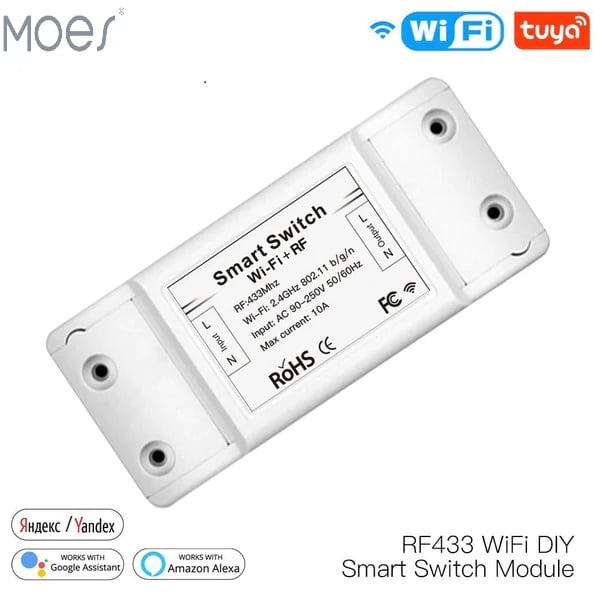
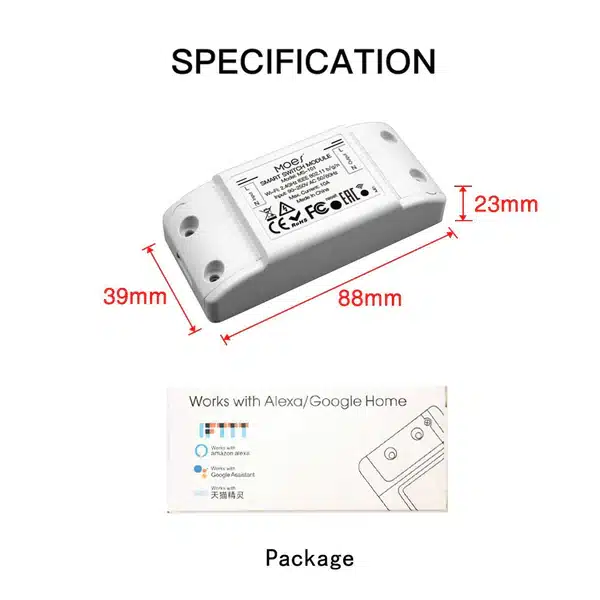
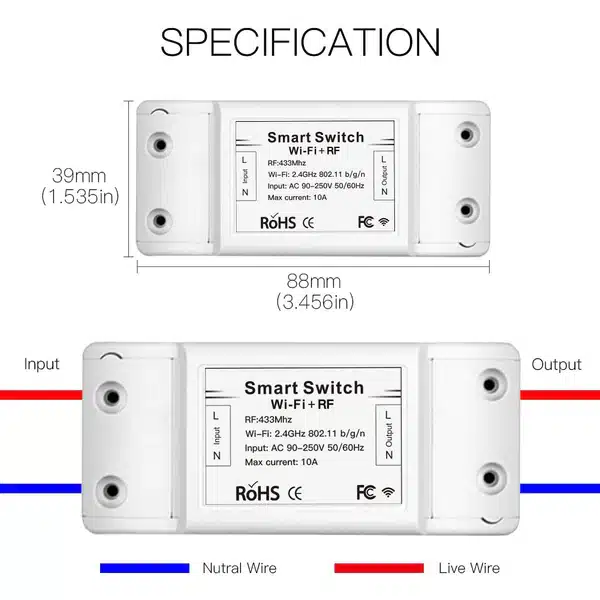
MOES Basic RF Wifi Smart Switch
12 $
The MOES Basic RF Wifi Smart Switch offers seamless wireless control of your home lighting and appliances with RF and WiFi connectivity.
In stock
Description
Additional information
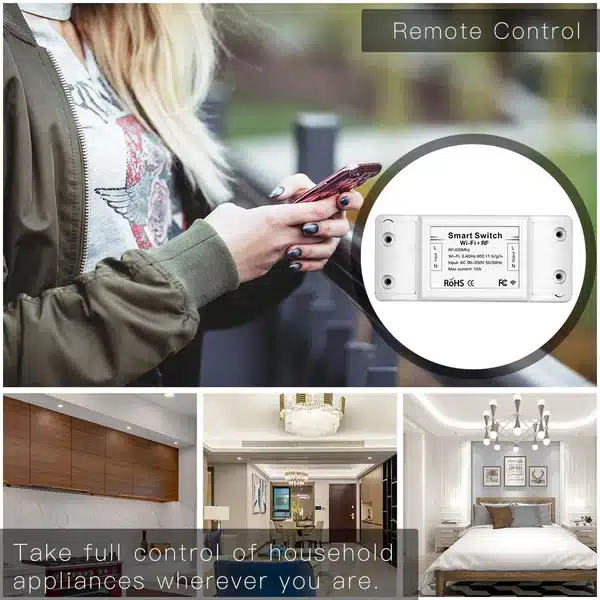
Wifi Smart Switch technology meets everyday convenience with the MOES Basic RF model, designed to transform your traditional home into a smart home effortlessly. This Wifi Smart Switch offers seamless integration with your existing electrical setup, allowing you to control your lights and appliances from anywhere using your smartphone. Whether you’re at home or away, this innovative switch puts complete control at your fingertips, making your daily routines more efficient and your home more secure.
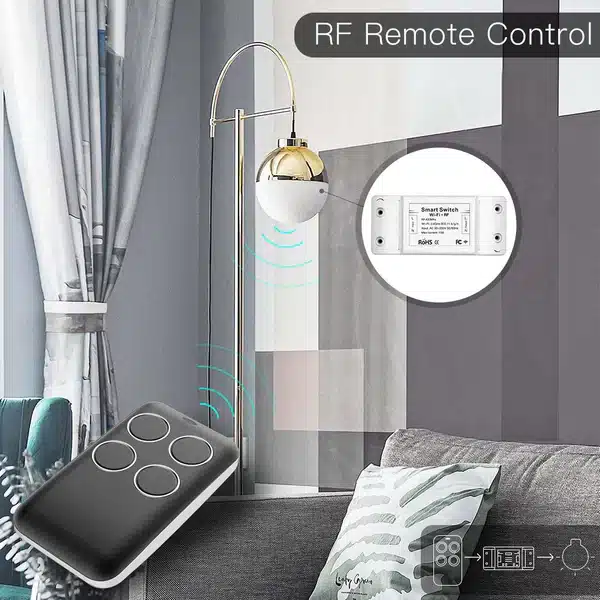
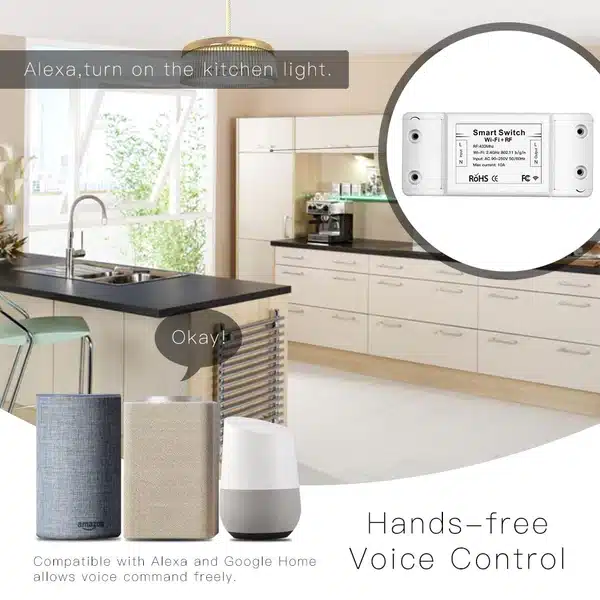
The MOES Basic RF Wifi Smart Switch stands out with its dual control functionality, combining both RF remote control and WiFi connectivity for maximum flexibility. This Wifi Smart Switch is compatible with popular voice assistants like Amazon Alexa and Google Assistant, enabling hands-free operation through simple voice commands. The RF capability ensures reliable local control even when your internet connection is unavailable, providing you with uninterrupted access to your home’s lighting and electrical devices.
Installation is remarkably straightforward with this Wifi Smart Switch, requiring no neutral wire in most configurations and fitting perfectly into standard wall boxes. The sleek, modern design features a touch-sensitive glass panel that complements any interior décor while providing responsive tactile feedback. This Wifi Smart Switch supports both single and multi-gang configurations, allowing you to customize your setup according to your specific needs and control multiple circuits from a single elegant interface.
Energy efficiency and smart scheduling are key benefits of the MOES Basic RF Wifi Smart Switch, helping you reduce electricity consumption and lower your utility bills. Set automated timers to turn lights on and off according to your daily schedule, create scenes for different activities, and monitor your energy usage through the intuitive mobile app. This Wifi Smart Switch also features a countdown function, perfect for devices that need to run for specific durations, adding another layer of convenience to your smart home ecosystem.
Security and peace of mind come standard with this advanced Wifi Smart Switch, as it enables you to create the illusion of occupancy when you’re traveling by scheduling random light patterns. The overload protection feature safeguards your electrical system, while the fireproof PC material construction ensures long-lasting durability and safety. With regular firmware updates and reliable customer support, this Wifi Smart Switch represents a smart investment in home automation that will serve you well for years to come, making everyday tasks simpler and your home more responsive to your lifestyle.
| Brand | MOES |
|---|---|
| Communication Protocol | WiFi |
| AIoT platform | Tuya |
| product-brand |