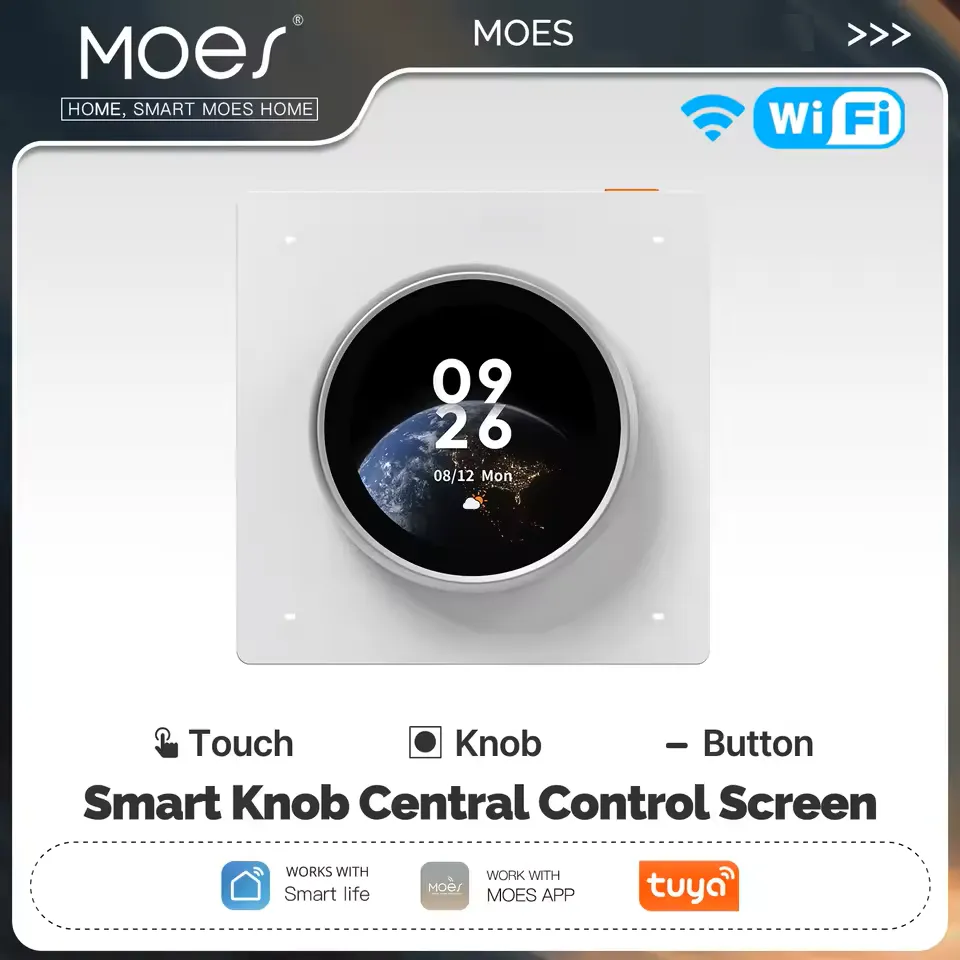
MOES WiFi Smart Knob Central Control Screen – 3 Relays, 4 Buttons, Touch & Rotate Scene Switch (Tuya/Smart Life Compatible)
162 $
A versatile WiFi smart knob with central control screen, 3 relays, 4 buttons, and touch & rotate functionality for Tuya/Smart Life home automation.
In stock
Description
Additional information
Reviews (0)
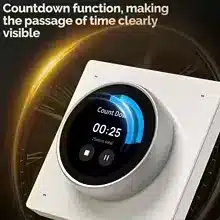
The MOES WiFi Smart Knob Central Control Screen combines touch and rotate control with 3 relays and 4 buttons. Compatible with Tuya and Smart Life, it controls lights, scenes and devices from one elegant wall panel with Wi-Fi and Bluetooth connectivity.
Why Choose the WiFi Smart Knob
A rotating knob is intuitive for dimming, volume or temperature, while buttons and a touch screen handle scenes. The WiFi Smart Knob combines all of them, giving a premium, tactile control point.
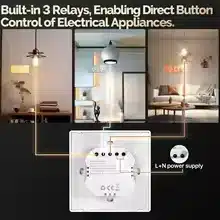
Three built-in relays mean it can switch lighting circuits directly as well as controlling other smart devices.
Key Features of the MOES WiFi Smart Knob
Touch and Rotate Control
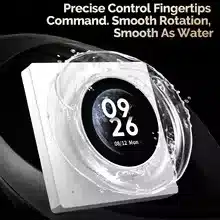
Turn to adjust and tap to select for intuitive operation.
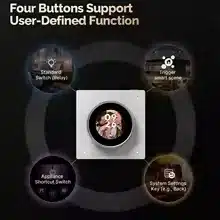
3 Relays and 4 Buttons
Switch circuits directly and trigger scenes.
Tuya and Smart Life
Wi-Fi and Bluetooth control on the Tuya platform.
Technical Highlights
- Brand: MOES, SKU MOES-CP-Knob
- Relays: 3
- Buttons: 4
- Control: touch screen and rotary knob
- Protocols: Wi-Fi and Bluetooth
- Platform: Tuya Smart / Smart Life
Where to Use the WiFi Smart Knob
- Living rooms: lighting and scene control.
- Bedrooms: dimming by rotation.
- Hotels: premium guest room control.
- Offices: meeting room presets.
Installation and Setup Tips
Control panels must be installed by a qualified electrician with the circuit isolated. Check the wall box format and depth, connect the supply and any relay outputs as shown in the manual, and ensure good Wi-Fi coverage at the installation point. Pair the panel in the app, add devices and scenes, then arrange the home screen so the most used controls are easy to reach.
Related Products at WeVolt
Explore more smart control panels. Compare it with the MOES 4 inch smart touch screen, the MOES 8 inch smart touch screen, and the MOES Star Feather push button switch. You can also browse all smart control panels at WeVolt. For brand information, visit the official MOES website.
How to Choose a Smart Control Panel
Decide first what the panel should control: lighting, curtains, climate, security or everything. Then check the wall box format, such as 86 type, 120 type, EU or US, and the screen size that suits the room. A built-in Zigbee or Bluetooth gateway can remove the need for a separate hub. Finally, consider voice assistants, intercom features and whether you prefer the Tuya or eWeLink ecosystem.
Maintenance and Care
Clean the screen with a soft microfibre cloth and avoid liquid cleaners sprayed directly on the device. Keep firmware updated through the app and review scenes when rooms change use. If a device stops responding, check the network and gateway before resetting the panel.
Designing a Smart Home Around a Control Panel
Place the main panel where everyone passes, such as the entrance or kitchen, and group controls by room and daily routine. Create simple scenes like “good morning”, “leave home” and “good night” that combine lights, curtains and climate. A clear layout makes the smart home easy for guests and every family member.
Why Buy from WeVolt
WeVolt supplies smart home, lighting control and electrical products to homeowners, electricians, panel builders and integrators. We select brands with proven reliability, keep technical information clear and help you choose compatible devices for each project. Whether you need a single unit or a full installation, our team can advise on wiring, app setup and system design so your project runs smoothly from order to handover.
Frequently Asked Questions
How many relays does the WiFi Smart Knob have?
Three relays.
How is it controlled?
By touch, rotation, buttons, app and scenes.
Which app does it use?
Tuya Smart / Smart Life.
Can WeVolt help me choose the right product?
Yes. Our technical team can check compatibility with your installation, recommend accessories and answer wiring or app setup questions before and after your purchase.
Order the MOES WiFi Smart Knob Central Control Screen from WeVolt for intuitive, premium smart control.
| AIoT platform | Tuya |
|---|---|
| Communication Protocol | Bluetooth, WiFi |
| Brand | MOES |
| product-brand |
Only logged in customers who have purchased this product may leave a review.
Helpful guides: MOES in Lebanon · Smart Life App Guide: Set Up Tuya and MOES Devices in Lebanon
Reviews
There are no reviews yet.