



MOES WiFi Star Feather Series Smart Switch – Push Button With Neutral, Light & Scene Control
29 $ 36 $
Smart push button switch with WiFi connectivity, neutral wire support, and light and scene control for modern homes.
Description
Additional information
Reviews (0)
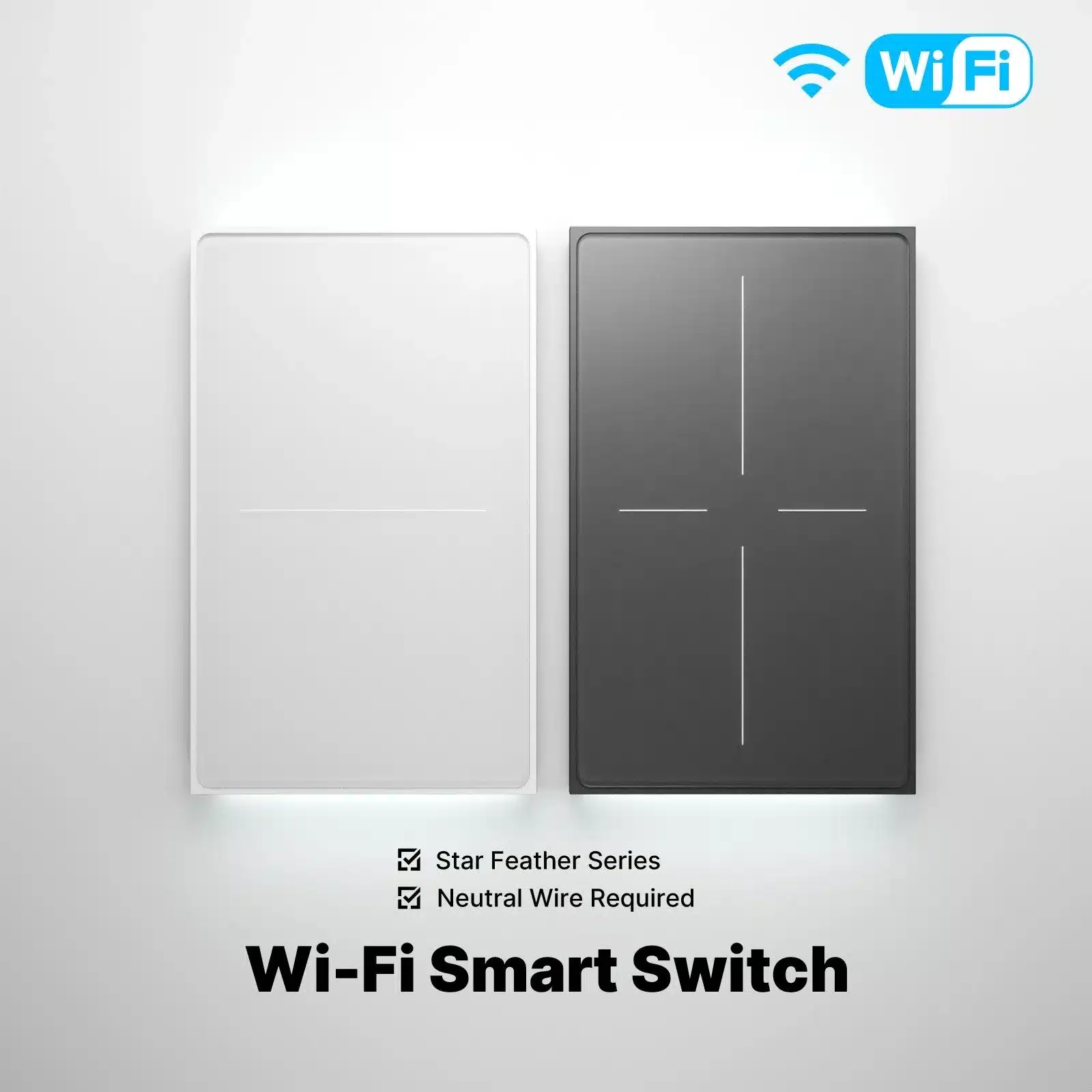
The MOES Star Feather Series WiFi Push Button Switch delivers seamless control of lighting and scenes through a refined physical push button interface. Available in 1 to 4 gangs, in black or white, it requires a neutral wire and connects to the Tuya Smart Life app over Wi-Fi.
Why Choose the WiFi Push Button Switch
Not everyone likes touch panels. A WiFi Push Button Switch keeps the familiar feel of pressing a button while adding smart control, which makes it popular with families, guests and older users.
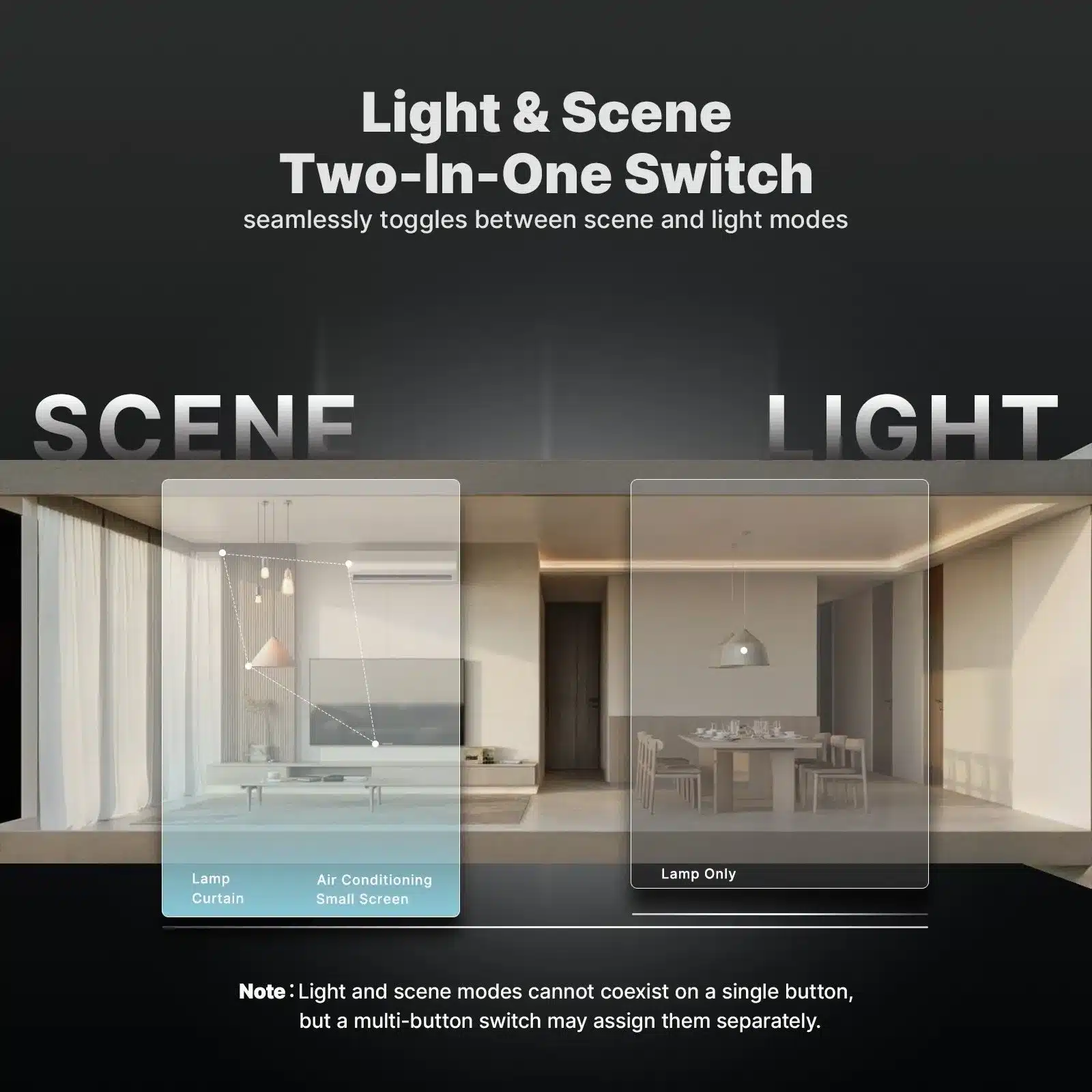
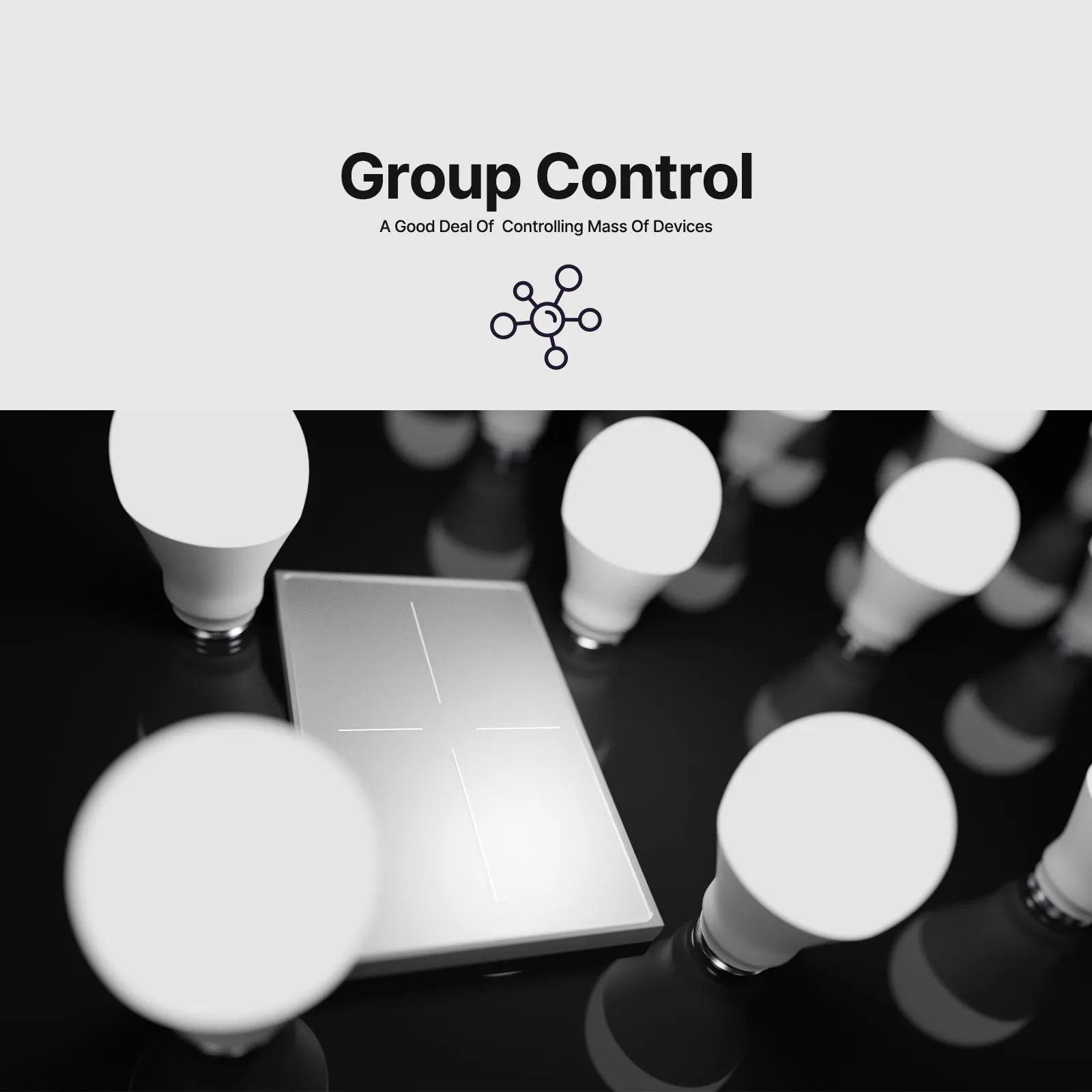
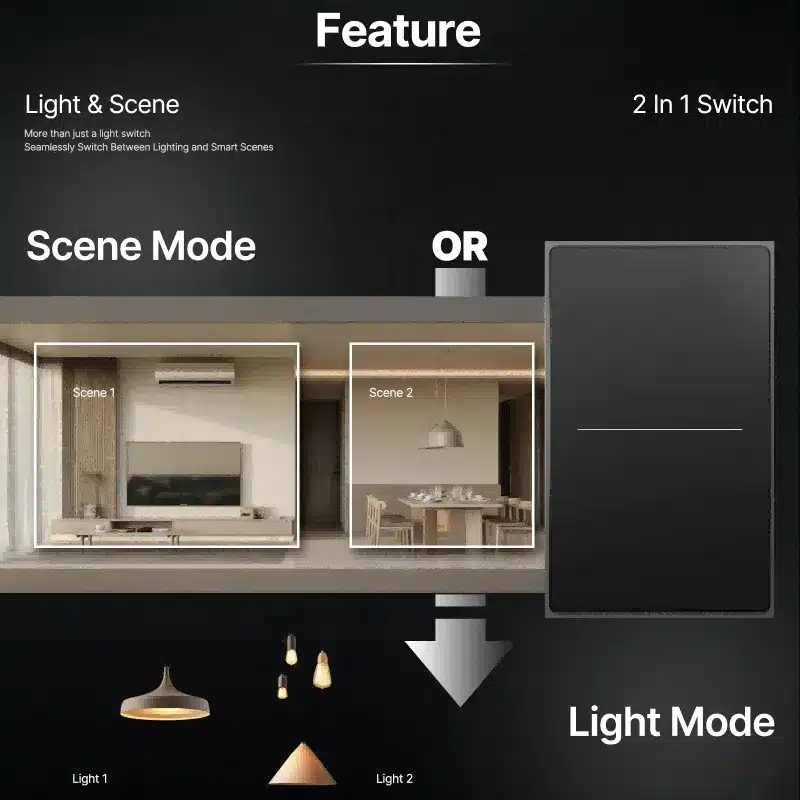
Scene control means one button can set several lights or devices at once, such as a “good night” or “welcome home” scene.
Key Features of the MOES Star Feather WiFi Push Button Switch
Physical Push Buttons
Tactile, reliable control with the elegant Star Feather design.
Light and Scene Control
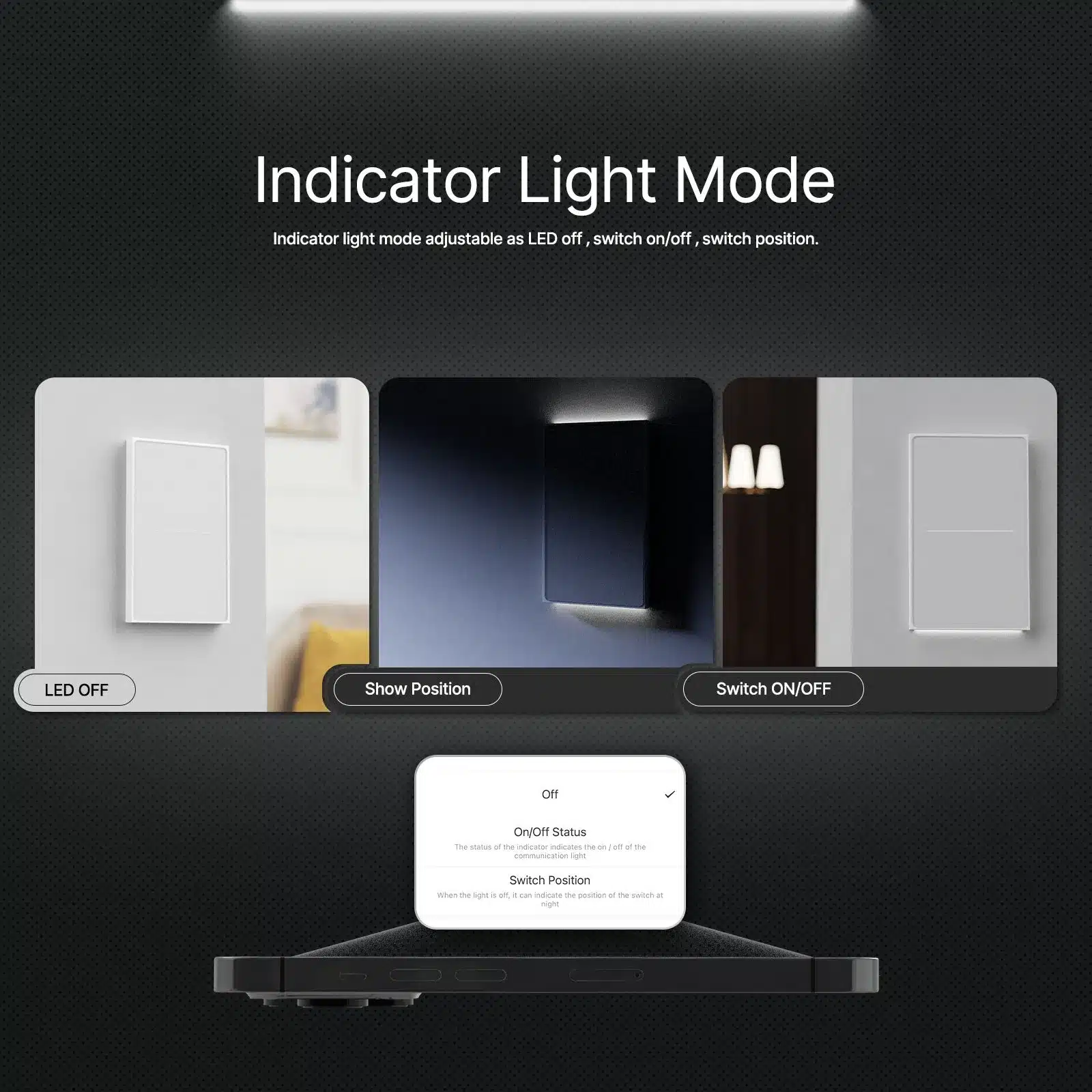
Use buttons for individual lights or for scenes that control multiple devices on the Tuya platform.
1 to 4 Gangs
Choose the right number of buttons for each position.
Technical Highlights
- Series: MOES Star Feather
- Gangs: 1, 2, 3 or 4
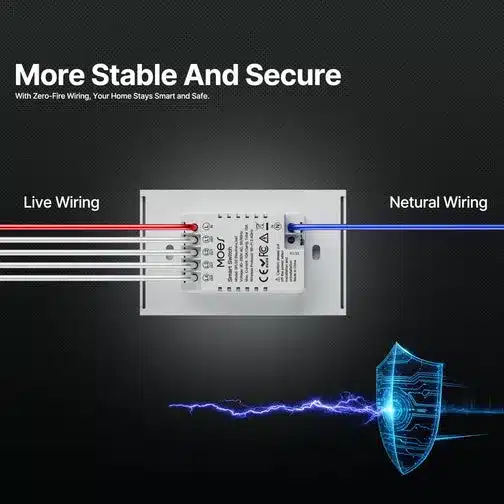
- Wiring: neutral required
- Colours: black or white
- Protocol: Wi-Fi, Tuya Smart / Smart Life
Where to Use the WiFi Push Button Switch
- Family homes: intuitive buttons for everyone.
- Entrances: welcome and all-off scenes.
- Bedrooms: night scenes.
- Hotels: easy guest controls.
Installation and Setup Tips
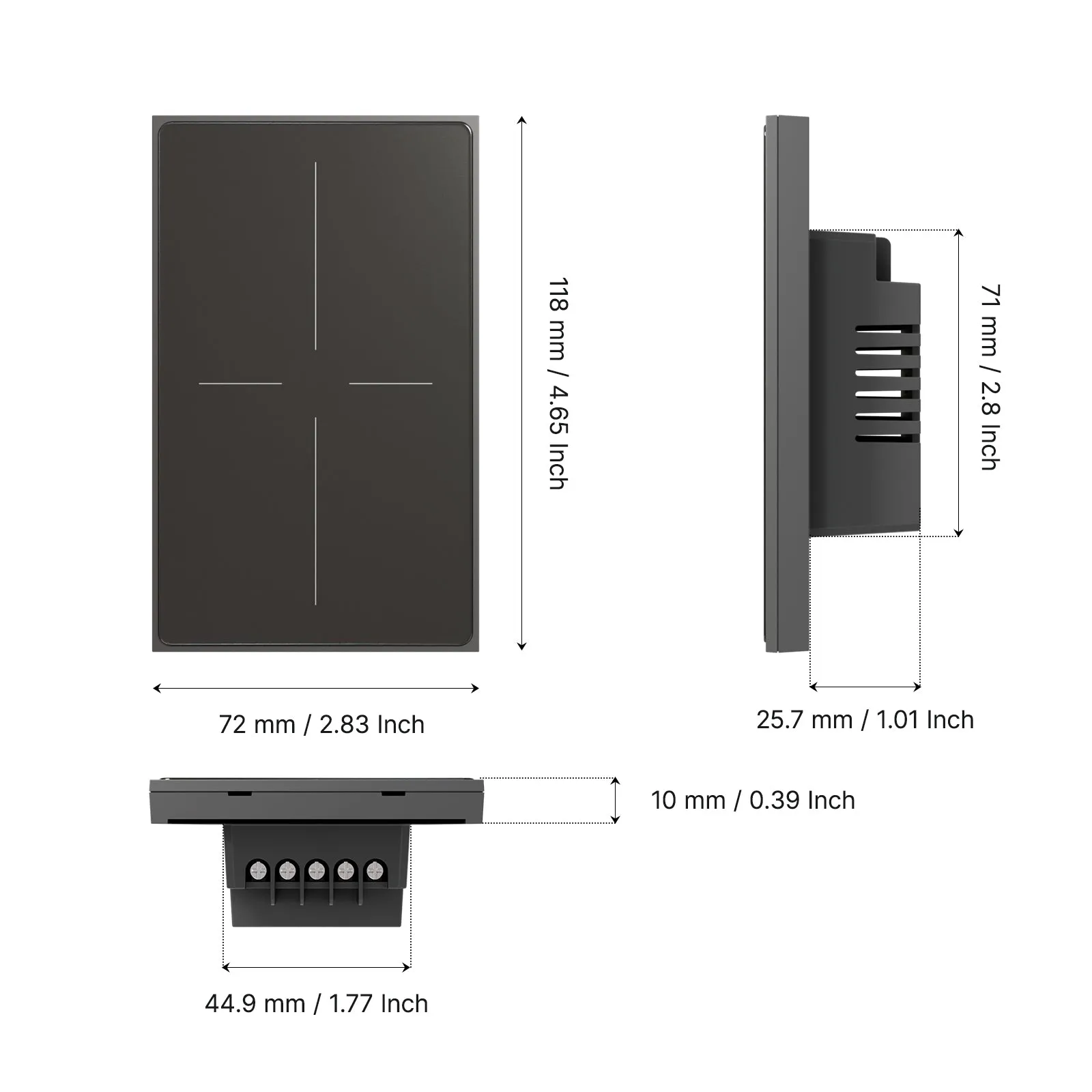
Smart wall switches must be installed by a qualified electrician with the circuit isolated at the board. Identify live, neutral and each switched output before connecting, and make sure the wall box is deep enough for the switch body. Mount the plate level, restore power and pair the switch in the app, then name each gang clearly and test both local and remote control.
Related Products at WeVolt
Explore more smart wall switches. Match it with the MOES Star Feather Zigbee curtain switch, the MOES Wi-Fi wall switches, and add dimming with the MOES Wi-Fi dimmer switch. You can also browse all smart wall switches at WeVolt. For brand information, visit the official MOES website.
How to Choose a Smart Wall Switch
First check the wall box standard in the building, such as EU round boxes, US or 120 type rectangular boxes, or 86 and 118 type formats. Then confirm whether a neutral wire is available at the switch, since many smart switches need it. Choose the number of gangs for the lights at that position, and decide between touch glass panels and physical push buttons. Finally, pick the ecosystem, Tuya, eWeLink or Matter, and check extras such as dimming, scenes and RF remotes.
Cleaning and Care
Clean glass and plastic panels with a soft, dry or slightly damp cloth, never with abrasive products or liquid sprayed directly on the switch. Keep firmware up to date through the app and review scenes and schedules when the way you use a room changes.
Planning Smart Switches Room by Room
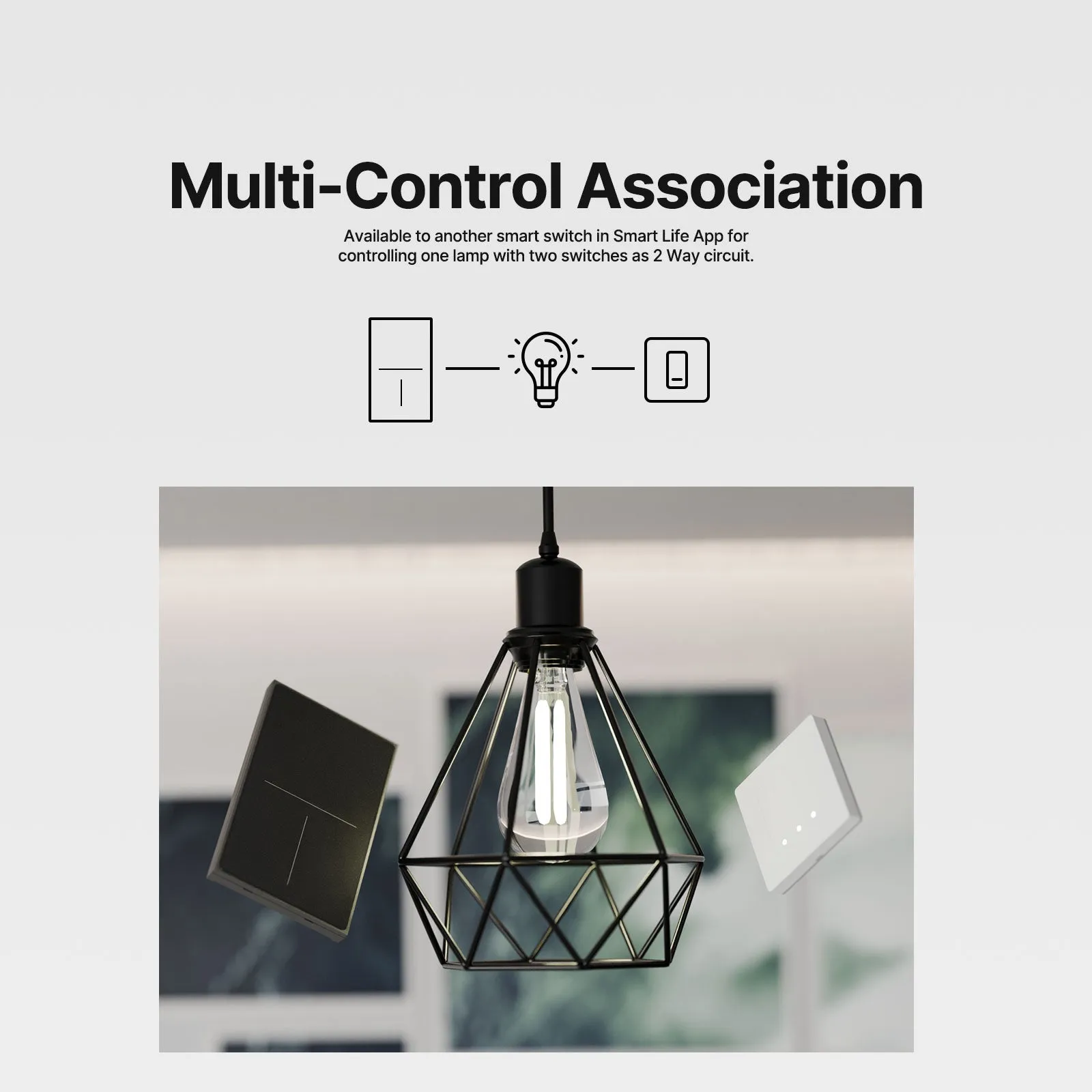
Walk through each room and note which lights are controlled from where, including two-way positions on stairs and in corridors. Decide which rooms need dimming and which would benefit from scene buttons, such as an “all off” switch by the front door. A simple plan makes it easy to choose the right gang count, format and features for every position.
Why Buy from WeVolt
WeVolt supplies smart home, lighting control and electrical products to homeowners, electricians, panel builders and integrators. We select brands with proven reliability, keep technical information clear and help you choose compatible devices for each project. Whether you need a single unit or a full installation, our team can advise on wiring, app setup and system design so your project runs smoothly from order to handover.
Frequently Asked Questions
Does the WiFi Push Button Switch need a neutral wire?
Yes, a neutral wire is required.
Can a button trigger a scene?
Yes, buttons can control lights or scenes.
How many gangs are available?
1 to 4 gangs.
Can WeVolt help me choose the right product?
Yes. Our technical team can check compatibility with your installation, recommend accessories and answer wiring or app setup questions before and after your purchase.
Order the MOES Star Feather WiFi Push Button Switch from WeVolt for tactile, smart lighting control.
| color | Black, White |
|---|---|
| Nb. Of Gangs | 1 Gang, 2 Gang, 3 Gang, 4 Gang |
| AIoT platform | Tuya |
| Brand | MOES |
| Communication Protocol | WiFi |
| product-brand |
Only logged in customers who have purchased this product may leave a review.
Reviews
There are no reviews yet.